
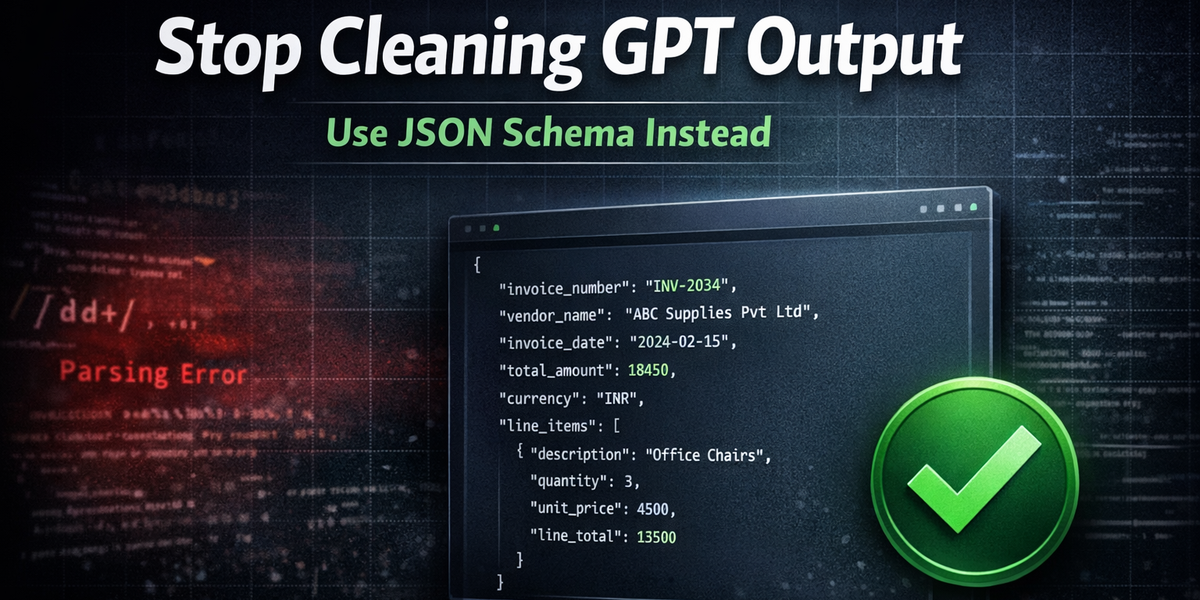
How to Force GPT to Return Perfect JSON (Without Regex)
Regex-based GPT automations break constantly. In this tutorial, you’ll build a production-ready AI invoice parser using OpenAI’s JSON Schema mode and n8n — with guaranteed structured output and zero cleanup logic.
Stop Cleaning GPT Output. Force It.
If you've built even one GPT automation, you’ve experienced this:
- The model adds one polite sentence before the JSON.
- It renames a field.
- It forgets a comma.
- It wraps everything in triple backticks.
- Your parser crashes.
- Your workflow fails silently.
You add a regex cleanup node.
Then another.
Then a fallback parser.
And slowly your “AI automation” becomes a fragile mess of string hacks.
I used to do the same.
Until structured JSON schema enforcement became reliable enough to treat the model like a typed function instead of a chat assistant.
This tutorial will show you exactly how to build:
No regex. No string splitting. No brittle cleanup logic.
And yes — this is production-safe.
Why This Matters (The Real Engineering Problem)
Most LLM automation failures don’t happen because:
- The model is bad
- The API is slow
- The workflow tool is broken
They fail because:
You expected structured output from a probabilistic text generator.
LLMs generate text. Databases expect structure.
That mismatch is where everything breaks.
Schema enforcement closes that gap.
Instead of saying:
"Please return JSON like this…"
You now say:
"You MUST return data matching this schema."
And the API enforces it.
This changes how you design AI systems.
What Actually Changed in the OpenAI API
With structured outputs using JSON Schema:
- The model must return valid JSON
- The JSON must match your schema
- Required fields must exist
- Data types must match
- Extra commentary is not allowed
This is fundamentally different from prompting.
You are no longer asking nicely.
You are defining a contract.
And contracts are what production systems rely on.
The Workflow We’re Building
Let’s define the exact system.
Input
A PDF invoice uploaded via n8n webhook.
Processing
- Extract text from PDF
- Send to OpenAI with strict JSON schema
- Receive validated structured data
Output
Structured invoice data inserted into Google Sheets.
This entire pipeline can be built in under 60 minutes.
Tool Stack
Keep it minimal:
- OpenAI API (JSON Schema mode)
- n8n (self-hosted or cloud)
- Google Sheets
- PDF Text Extraction node in n8n
That’s it.
No external parsing libraries. No regex layers. No cleanup agents.
Step 1: Define the JSON Schema (This Is The Core)
This is the most important step.
Do not skip thinking here.
Here’s a clean invoice schema:
{
  "type": "object",
  "properties": {
    "invoice_number": { "type": "string" },
    "vendor_name": { "type": "string" },
    "invoice_date": { "type": "string" },
    "total_amount": { "type": "number" },
    "currency": { "type": "string" },
    "line_items": {
      "type": "array",
      "items": {
        "type": "object",
        "properties": {
          "description": { "type": "string" },
          "quantity": { "type": "number" },
          "unit_price": { "type": "number" },
          "line_total": { "type": "number" }
        },
        "required": [
          "description",
          "quantity",
          "unit_price",
          "line_total"
        ]
      }
    }
  },
  "required": [
    "invoice_number",
    "vendor_name",
    "invoice_date",
    "total_amount",
    "currency",
    "line_items"
  ]
}
Let’s break down why this matters.
1. We enforce required fields
If the invoice number is missing, the model must try harder.
Without required fields, models sometimes omit optional values.
2. We use correct data types
If total_amount is a string, your spreadsheet math breaks.
Make numeric values numeric.
3. We keep it minimal
Don’t add 25 fields on day one.
Start simple.
Ship.
Iterate.
Step 2: Configure OpenAI API Call in n8n
Create an HTTP Request node.
Endpoint
POST https://api.openai.com/v1/responsesHeaders
Authorization: Bearer YOUR_API_KEY
Content-Type: application/json
Body
{
  "model": "gpt-4.1",
  "input": "Extract structured invoice data from the following document:\n\n{{ $json.extracted_text }}",
  "response_format": {
    "type": "json_schema",
    "json_schema": {
      "name": "invoice_parser",
      "schema": { /* paste your schema here */ }
    }
  }
}
Key idea:
We inject the extracted PDF text into the input field.
No fancy prompt engineering required.
You don’t need 30 lines of instruction.
The schema does most of the heavy lifting.
Step 3: Extract Text From PDF in n8n
In your workflow:
- Webhook trigger (file upload)
- Move Binary Data node (if needed)
- PDF Extract node
- Pass extracted text to OpenAI node
Now your AI layer is complete.
Notice something important:
We are not parsing PDF manually. We are not splitting text. We are not writing extraction rules.
The LLM handles semantic understanding. The schema guarantees structure.
That combination is powerful.
Step 4: Push to Google Sheets
Now add a Google Sheets node.
You have two options for line items.
Option A (Recommended): One row per line item
Columns:
- Invoice Number
- Vendor Name
- Invoice Date
- Total Amount
- Currency
- Line Description
- Quantity
- Unit Price
- Line Total
This is better for analytics later.
Option B: Store `line_items` as JSON string
Faster to implement. Harder to analyze later.
Choose based on your use case.
For accounting systems, always go with Option A.
Example Real Scenario
Let’s say you upload:
ABC Supplies Pvt Ltd Invoice INV-2034 Total ₹18,450
Within seconds:
Your sheet auto-populates.
No manual entry. No copy-paste. No formatting errors.
Now multiply that by 200 invoices per month.
That’s real time saved.
Beginner Mistakes (Learn From My Pain)
1. Not marking required fields
If fields are not required, models may omit them.
2. Making everything a string
Numbers must be numbers.
Otherwise, your financial summaries break.
3. Overcomplicating schema on day one
Start with:
invoice_numbervendor_nametotal_amount
Add fields later.
4. Forgetting error handling in n8n
Even with schema enforcement, always:
- Add an error branch
- Log failures
- Notify via Slack or email
Production systems assume failure.
When NOT To Use JSON Schema Mode
Don’t use schema enforcement when:
- You need creative writing
- You want brainstorming output
- You are prototyping loosely structured ideas
Schema mode is for:
- Databases
- Accounting
- CRMs
- Analytics pipelines
- Internal automation
If your output feeds structured systems, use it.
If it feeds humans, flexibility is fine.
The Bigger Shift (Why This Changes AI System Design)
Before:
LLMs were chatbots pretending to be APIs.
Now:
They can behave like typed functions.
That means:
Input → Validated Structured Output → Database
No glue logic. No regex duct tape. No midnight debugging.
When you start thinking this way, your architecture changes.
You stop asking:
"How do I clean the output?"
You start asking:
"What is the contract of this AI function?"
That’s a production mindset.
Final Takeaway
If your automation depends on structured data:
Stop trusting text.
Define a schema.
Enforce it.
Build once.
Sleep peacefully.