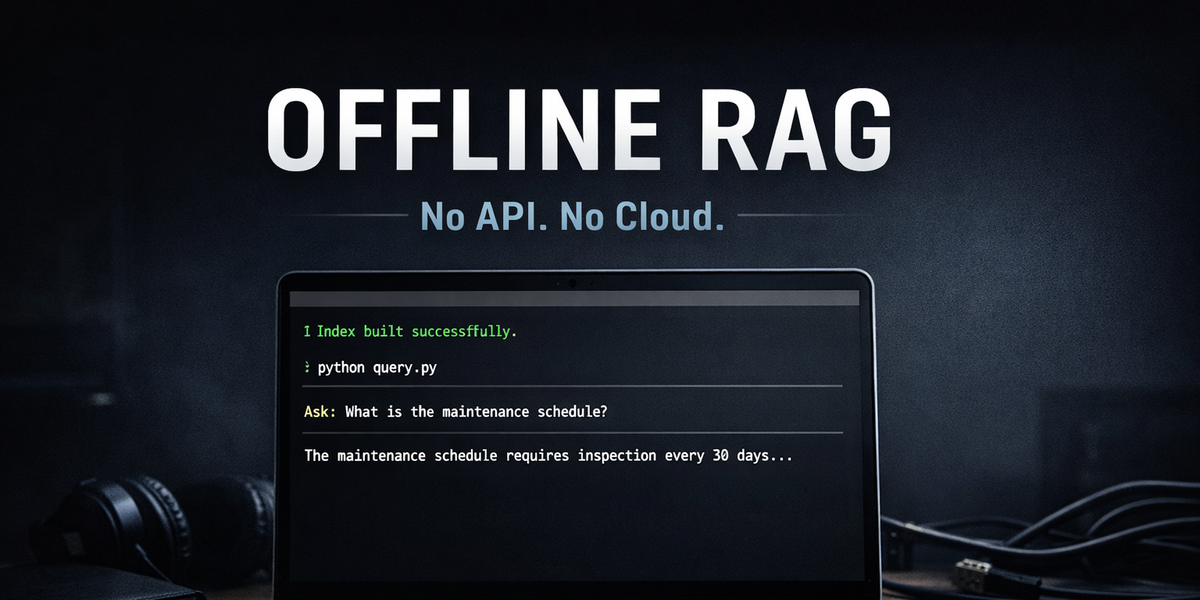
Build a Fully Offline RAG System on Your Laptop
Build a fully offline Retrieval-Augmented Generation (RAG) system using small embedding models and a local LLM. No APIs. No internet. Just private, fast AI search running entirely on your laptop.
Turn off your WiFi for a moment.
Now imagine your AI assistant still works.
That's what we're building today: a fully offline Retrieval-Augmented Generation (RAG) system that runs entirely on your laptop.
No API keys. No cloud dependency. No token billing. No data leaving your machine.
If you're working with internal documentation, sensitive environments, research labs, or field deployments, this setup is practical and cost-effective.
Why this matters
Most RAG tutorials:
- Send documents to OpenAI for embeddings
- Store vectors in a hosted database
- Call GPT-4 for answers
That works, but:
- You pay per token.
- Your data leaves your system.
- You can't run offline.
For many real-world use cases, that's unnecessary.
If your dataset is:
- SOP documents
- Internal manuals
- Policy files
- Research notes
- Maintenance records
You don't need frontier-level embeddings.
You need reliable semantic search running locally.
What we're building
Architecture:
- Load local documents
- Generate embeddings locally
- Store embeddings in FAISS
- Perform semantic search
- Send retrieved context to a local LLM
- Generate an answer
Everything runs on your machine.
Tool stack
- Python 3.10+
- sentence-transformers
- faiss-cpu
- numpy
- Ollama
Embedding model:
sentence-transformers/all-MiniLM-L6-v2
Local LLM options:
- mistral
- llama3
- phi3 (recommended for 8GB RAM)
Step 1 -- Install dependencies
Create a virtual environment:
python -m venv venv
source venv/bin/activate      # Mac/Linux
venv\Scripts\activate       # Windows
Install Python packages:
pip install sentence-transformers faiss-cpu numpy ollamaInstall Ollama from:
https://ollama.com
Pull a model:
ollama pull mistralTest it:
ollama run mistralIf it responds, you're ready.
Step 2 -- Project structure
offline-rag │ ├── documents │ ├── doc1.txt │ ├── doc2.txt │ ├── build_index.py ├── query.py
Add a few .txt files inside documents.
Step 3 -- Build embeddings and FAISS index
Create build_index.py:
import os
import faiss
import numpy as np
from sentence_transformers import SentenceTransformer

model = SentenceTransformer("sentence-transformers/all-MiniLM-L6-v2")

documents = []
doc_texts = []

for filename in os.listdir("documents"):
    with open(f"documents/{filename}", "r", encoding="utf-8") as f:
        text = f.read()
        documents.append(filename)
        doc_texts.append(text)

embeddings = model.encode(doc_texts)
embeddings = np.array(embeddings).astype("float32")

dimension = embeddings.shape[1]
index = faiss.IndexFlatL2(dimension)
index.add(embeddings)

faiss.write_index(index, "vector.index")
np.save("doc_texts.npy", np.array(doc_texts))

print("Index built successfully.")
Run:
python build_index.pyThis creates:
- A FAISS vector index
- A NumPy file storing document text
Step 4 -- Query and generate answers locally
Create query.py:
import faiss
import numpy as np
from sentence_transformers import SentenceTransformer
import ollama

model = SentenceTransformer("sentence-transformers/all-MiniLM-L6-v2")

index = faiss.read_index("vector.index")
doc_texts = np.load("doc_texts.npy", allow_pickle=True)

def search(query, top_k=2):
    query_embedding = model.encode([query]).astype("float32")
    distances, indices = index.search(query_embedding, top_k)
    return [doc_texts[i] for i in indices[0]]

def generate_answer(query, context):
    prompt = f"""
Answer the question using only the context below.

Context:
{context}

Question:
{query}
"""
    response = ollama.chat(
        model="mistral",
        messages=[{"role": "user", "content": prompt}]
    )
    return response["message"]["content"]

if __name__ == "__main__":
    user_query = input("Ask: ")
    results = search(user_query)
    context = "\n\n".join(results)
    answer = generate_answer(user_query, context)
    print("\nAnswer:\n")
    print(answer)
Run:
python query.pyAsk something related to your documents.
Everything runs locally.
Beginner mistakes
- Forgetting float32 conversion
- Running heavy LLMs on low RAM machines
- Embedding entire large documents without chunking
- Expecting GPT-4 level reasoning
When NOT to use this
Avoid local RAG if:
- You need maximum reasoning quality
- You're building large-scale SaaS
- You require advanced multi-hop reasoning
Final takeaway
You don't need cloud APIs to build a useful RAG system.
Small embedding models + FAISS + Ollama are enough for many real-world use cases.
Private. Affordable. Offline.